

Data extraction from documents
Data extraction identifies the type of incoming document and uses OCR—or, where applicable, ICR—to convert the required information from PDF files, scans, and photographs into a structured format. Predefined rules then validate this data and prepare it for the next step in the workflow or for transfer into an internal system. Consequently, staff do not need to manually open every document and transcribe its contents into forms; instead, they focus on reviewing data that is illegible, incomplete, or inconsistent—cases that require human intervention.
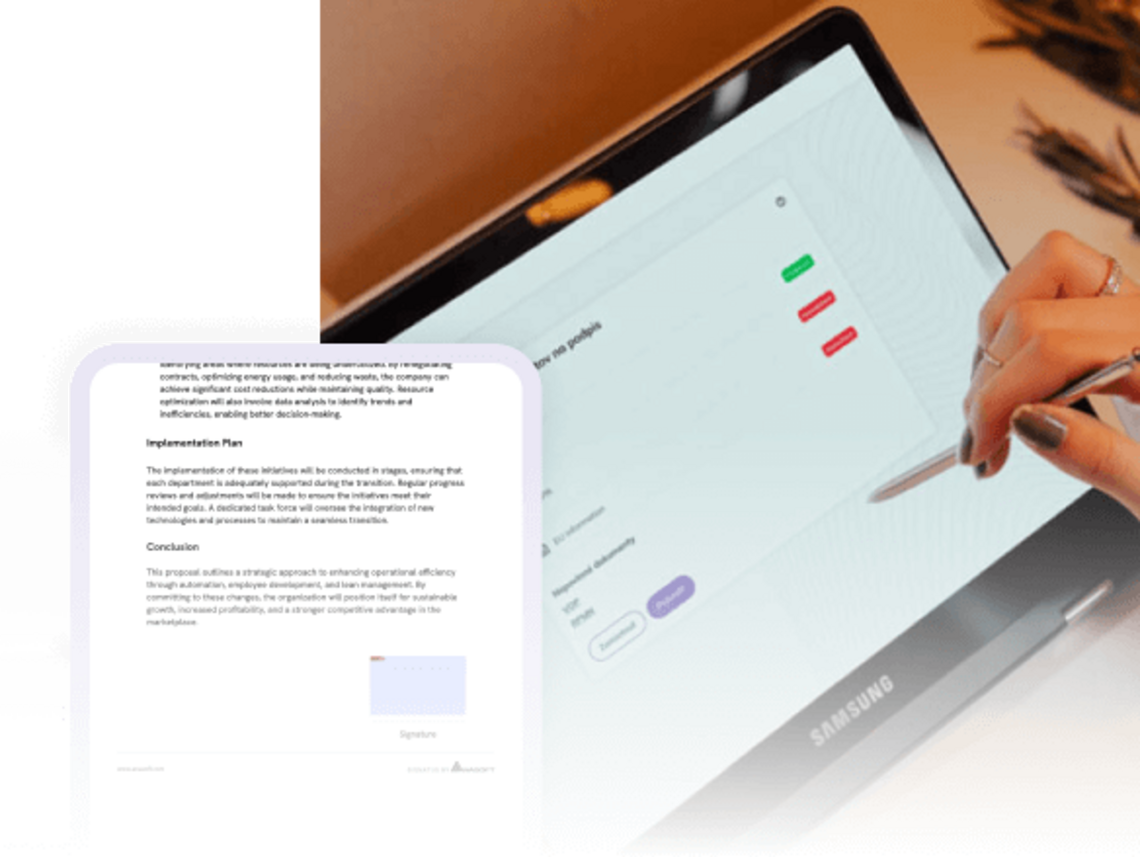

A digital document does not necessarily mean processable data
Applications, statements, contracts, forms, and confirmations may arrive electronically as PDF files, scans, or photographs. However, the information contained within them remains unstructured; without further processing, it cannot be automatically verified, compared, or transferred into an internal system.
Data extraction identifies the document type, converts the required fields into a structured format, and validates them against established rules. Uncertain, incomplete, or inconsistent values are flagged for review, while verified data can proceed directly into the workflow.
Transform received documents into data ready for use
OCR reads the content. A workflow determines what happens to the data next
OCR converts text from a PDF file, scan, or photograph into a machine-readable format. However, for the data to be integrated into a business process, the document type must be identified, values assigned to the correct fields, and the data verified against established rules.
Based on the result, the workflow can automatically advance the document, request missing supporting documentation, assign a review to the appropriate team, or present uncertain data to a staff member. The verified data is then passed on to the system where it will be used further.
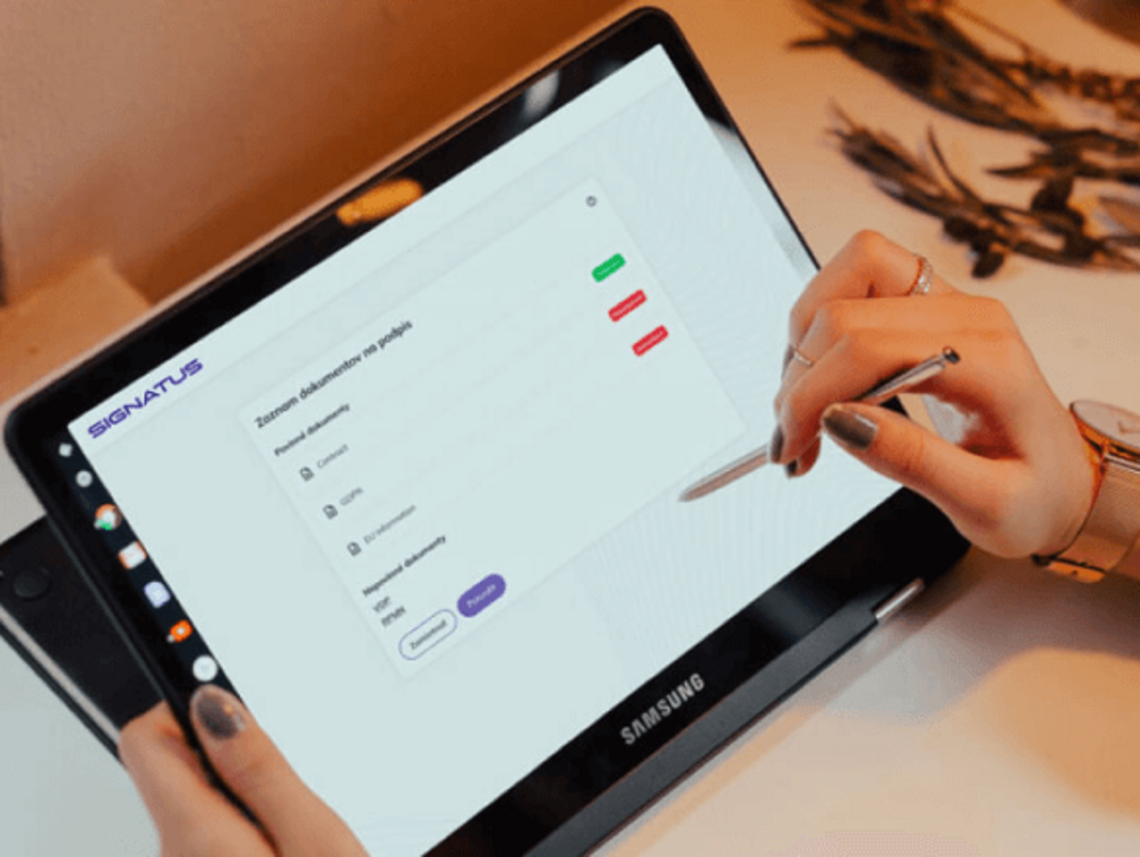
Transfer the verified data from the documents into internal systems
Tailor data extraction to document types and process rules
Extract usable data from documents typical for your industry
Extracted data flows directly into key processes
Review of applications
SIGNATUS identifies received attachments, checks the completeness of the set, and extracts the data required for application assessment or scoring.
Informed consents of patients
Data from admission and medical history forms can be transferred to the consent form and the patient system without the need for re-entry.
Claims
Details regarding the order, shipment, damaged items, and payment will remain linked to the photographs, the report, and the resolution decision.
Onboarding
Personal and identification data from documents may be used in the preparation of employment documentation and for entry into HR or payroll systems.
Business contracts
Data regarding the customer, company, product, price, and contract can be used for verification, document creation, approval, and invoicing.
Delivery
Items, quantities, discrepancies, and confirmations from delivery documents can be transferred to an ERP or WMS without waiting for the return of paper documents.
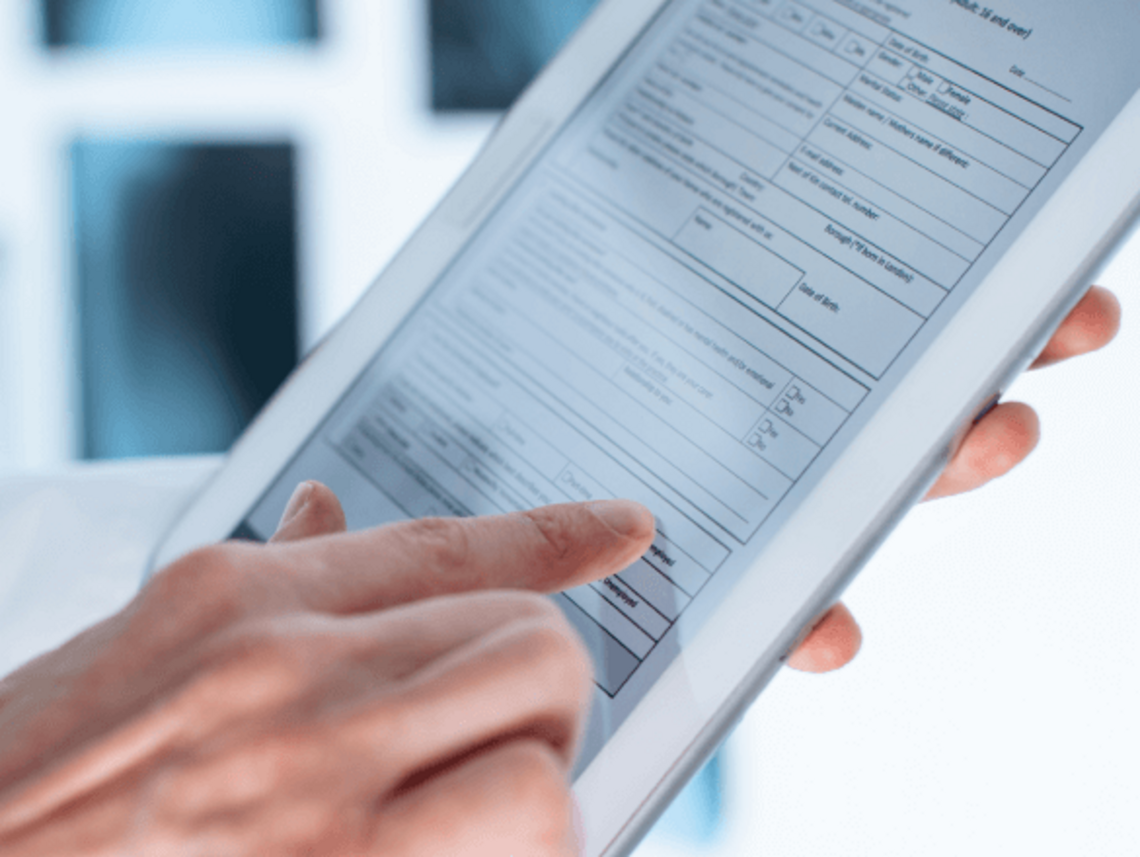

Use the extracted data to automate subsequent steps
Document processing does not end with data extraction. The workflow determines which documents are expected, what values need to be extracted, the criteria against which they should be verified, and what actions should be taken based on the outcome.
Verified data can proceed automatically. Uncertain, missing, or inconsistent values are referred to a staff member for review.
The extracted data can thus immediately influence the subsequent course of action:
- assign a case to the right team,
- request a missing document,
- calculate a category or score,
- pre-fill a contract,
- initiate an approval,
- create a record in the enterprise system.
Automate routine processing and focus manual review on exceptions
The quality of the extracted data depends on the document type, its readability, the quality of the input, and the established rules. These rules therefore determine which results can proceed automatically and which require review by a staff member.
Uncertain values, missing fields, or detected discrepancies are displayed alongside the original document. The operator can confirm or correct the result, or decide on the next steps.
Routine documents thus pass through the process without unnecessary manual intervention, while expert review remains in place for sensitive and non-standard decisions.

Relieve administrative teams of routine document processing

A single data acquisition
The extracted information can be further used in a form, contract, decision, or internal system without the need for re-entry.

Fewer errors and earlier detection of problems
Automated processing reduces the risk of typos while also identifying missing or illegible documents at the point of receipt.

More time for a professional decision
Employees do not need to attend to every standard case and can focus primarily on discrepancies and exceptions.

Consistent processing rules
Requirements for fields, attachments, and checks are configured centrally and applied across teams and branches.

Verify extraction using real documents and expand it gradually
The pilot deployment can focus on the type of document that currently creates the greatest administrative burden—for example, an identity document, an extract, a confirmation, an order, or a form.
First, the fields to be manually transcribed by staff are identified, along with the rules required to verify them and the system to which the resulting data should be sent. Subsequently, the quality of the data extraction—as well as the handling of uncertain values and exceptions—is verified using a sample of actual documents.
Once verified, the same principle can be extended to other document types, departments, and workflows, without replacing the existing enterprise systems.

Case Study | Cetelem
60% shorter processing time and 1.6 million pages of paper saved
Challenge
When purchasing on an installment plan, the customer had to complete credit formalities at a specially designated location. Paper-based documentation extended the entire purchasing process.
After the sale, business partners waited four to five days for the release of funds.
Solution
Cetelem has implemented the eSign electronic process, based on SIGNATUS technology.
A retailer can process an application and prepare a loan agreement on a mobile device, allowing the customer to sign it directly in the store. Once signed, the document is locked against further changes and sent electronically both to the client and to a central database.
Result
Full digitalization of the process has reduced processing time by 60%, enabling loan applications to be handled in minutes rather than hours.
The time required to disburse funds has been reduced:
from 5 days to 1 day.
Cetelem also reports:
- a 25% reduction in operational costs,
- more than 1.6 million sheets of paper saved,
- 91% of customers opting for an electronic signature.

Signatus
„Every year, Cetelem approves thousands of contracts, including several mandatory attachments that must be printed in multiple copies. Signatus offered us a complete document digitization solution, which is one of the key priorities of the BNP Paribas Personal Finance Group.“
Aleš Kos, Member of the Board of Directors and Director of Direct Sales
Cetelem Slovakia
Frequently Asked Questions About Data Extraction from Documents
The specific scope is determined based on the process. This may include PDF files, scans, and photographs of identification documents, forms, confirmations, statements, financial reports, and other attachments.
Yes, in an appropriate scenario, OCR can be used for printed text and ICR for handwritten data. The result depends on the type of document, its legibility, and the quality of the input.
Not always. Data from various forms, confirmations, and attachments can be converted into a structured format without creating a fixed template for each document. The specific configuration is verified using actual samples.
Uncertain, illegible, or inconsistent data may be forwarded to a staff member for review, along with the original document. The process thus combines the automation of standard cases with human decision-making for exceptions.
Yes. A workflow can compare extracted values across attachments, the form, and data available in an internal system, and flag any discrepancies found.
Yes. Mandatory documents can be defined based on the type of application or case. Processing of an incomplete set may be paused and resumed only once the missing items have been provided.
Depending on the available interfaces, data can be transferred to CRM, ERP, HR, HIS, or DMS systems, as well as to scoring or approval systems. Alternatively, the data can remain part of the case within SIGNATUS.
Yes. It is recommended to start with a high-volume document or one requiring a large amount of manual transcription, verify the quality using actual samples, and then expand the scope.
Processing methods, approaches, storage, and integrations are designed based on the type of data, the organization's internal security policies, and applicable legal requirements.

Show us the document from which you are currently manually transcribing data.
We will identify the fields required for your process, design validation checks, and demonstrate how extracted data can be passed directly into the workflows and systems where you continue to work with it.
Contact us