

Web Forms
Web forms facilitate the structured collection of applications, registrations, questionnaires, consents, or complaints. They validate mandatory data, adapt content based on previous responses, and pass the results into a subsequent workflow or enterprise system.
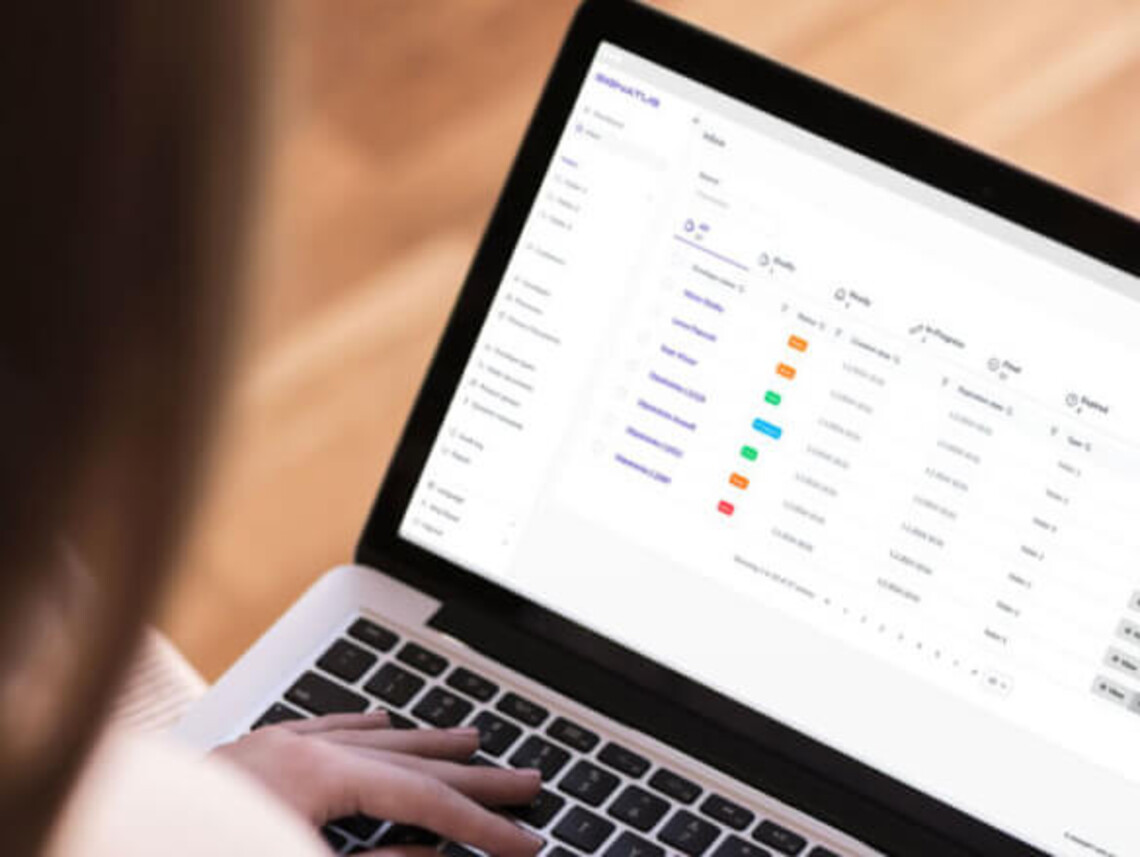
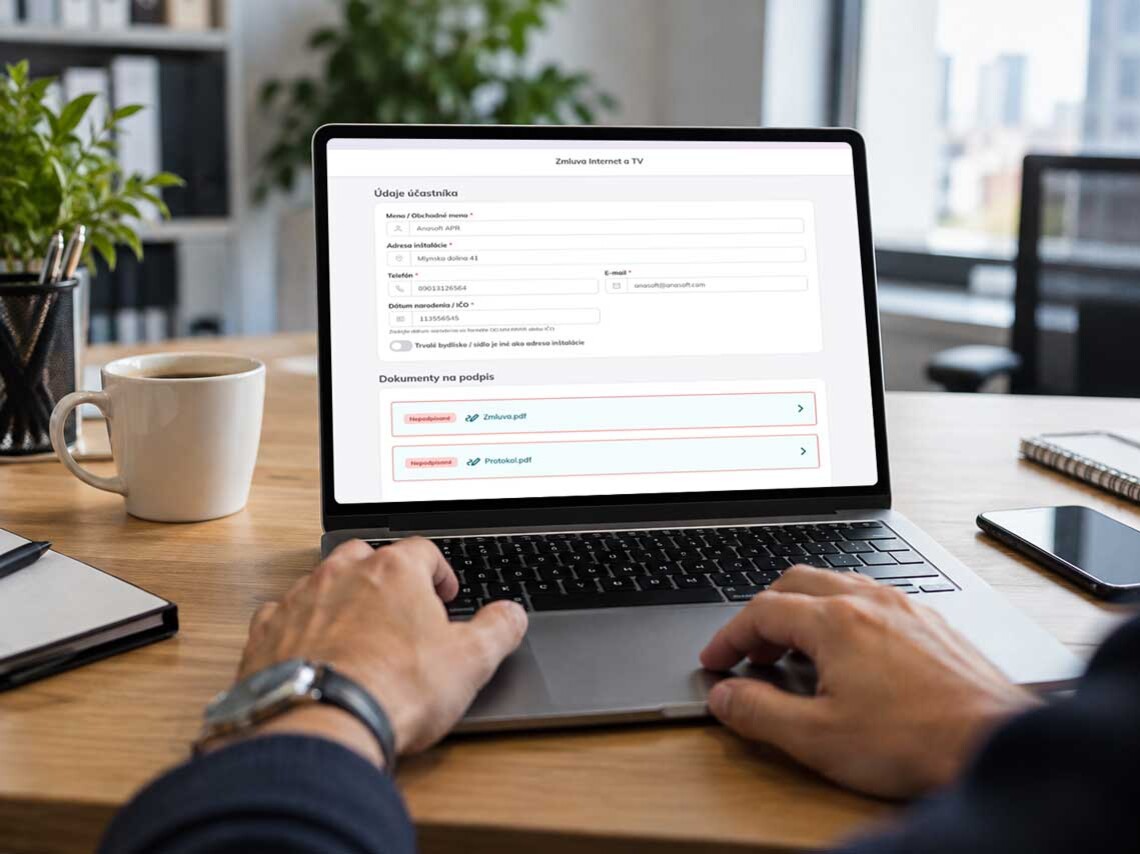
The form is meant to initiate a process, not create additional work
A standard online form sends responses to an email inbox or a spreadsheet. An employee must then review the data, re-enter it, request any missing information, and manually create follow-up tasks. In contrast, a process-oriented web form links data collection directly to a subsequent workflow. Predefined rules evaluate the responses, determine the next step, generate the necessary documentation, assign the request to the appropriate person, or trigger a signature request. Furthermore, the collected data can be automatically transferred into CRM, ERP, HR, or healthcare systems.
Data prepared for processing at the time of submission
A dynamic form displays only relevant questions
A long, one-size-fits-all form burdens every client with questions covering every conceivable scenario. Conditional logic allows a complex process to be broken down into manageable steps, displaying only the information relevant to a specific case. This makes the form easier for the client to navigate, while the organization receives more accurate data—eliminating the need for follow-up calls, emails, or repeated requests for additional information.
From filling out the form to completing the process
A form that not only collects data but also processes it
Web forms tailored to your industry's processes
Web forms as an entry point into your processes
Review of applications
Obtain all necessary data, attachments, and confirmations from the client before submitting the application. The form can check for mandatory fields, request missing documentation, and prepare the case for further assessment or approval.
Informed consents of patients
Collect the data required to prepare a consent form, display relevant information to the user, and seamlessly transition to the electronic signature process. The completed and signed document can then be automatically saved into the appropriate system or file.
Claims
Guide the customer step-by-step based on the type of claim, displaying only the questions and attachments relevant to their specific case. Upon submission, the form can automatically create a claim case and assign it to the appropriate team.
Onboarding
Collect data from a client, patient, or employee just once, and then use it across documents, approval processes, signing, and follow-up tasks. This reduces the need for repeated data entry and manual transcription.
Business
Capture input data regarding the customer and their request, and automatically generate the next step in the sales process. This could result in a quote, contract, order, or a task for a sales representative, which then proceeds to approval or signing.
Delivery
Record any discrepancies, damage, shipment acceptance, or other events directly at the time of delivery. The form can prompt for photos, a signature, and additional details, subsequently linking them to the specific shipment or forwarding them for further processing.

Connect web forms with other digital processes
Self-service without additional burden on the back office
Web forms make services accessible to customers, applicants, patients, and partners around the clock. However, self-service does not mean a loss of control. Form rules define which data is required, who handles the request, what validation steps follow, and what happens after approval. This allows a company to process a higher volume of requests without a proportional increase in administrative burden.


The same process across all customer channels
The same form or data model can be used on the web, in a client portal, at a digital branch, at a reception desk, or on an employee’s mobile device. A client can begin a process at home and complete it with the assistance of an employee. The data entered remains part of a single record, regardless of the channel through which it was provided.

Case Study | UNIMED AMERICANA
Digital patient intake in an organization with 100,000 patients
Challenge
Unimed Americana operates 2 hospitals, collaborates with over 300 physicians, and serves more than 100,000 patients. Despite having modern healthcare infrastructure, the organization relied on a process where intake forms were printed, filled out at the reception desk, and physically transported to a central office for scanning and archiving. This process was time-consuming, increased operational costs, and created a risk of documents being lost or misfiled.
Solution
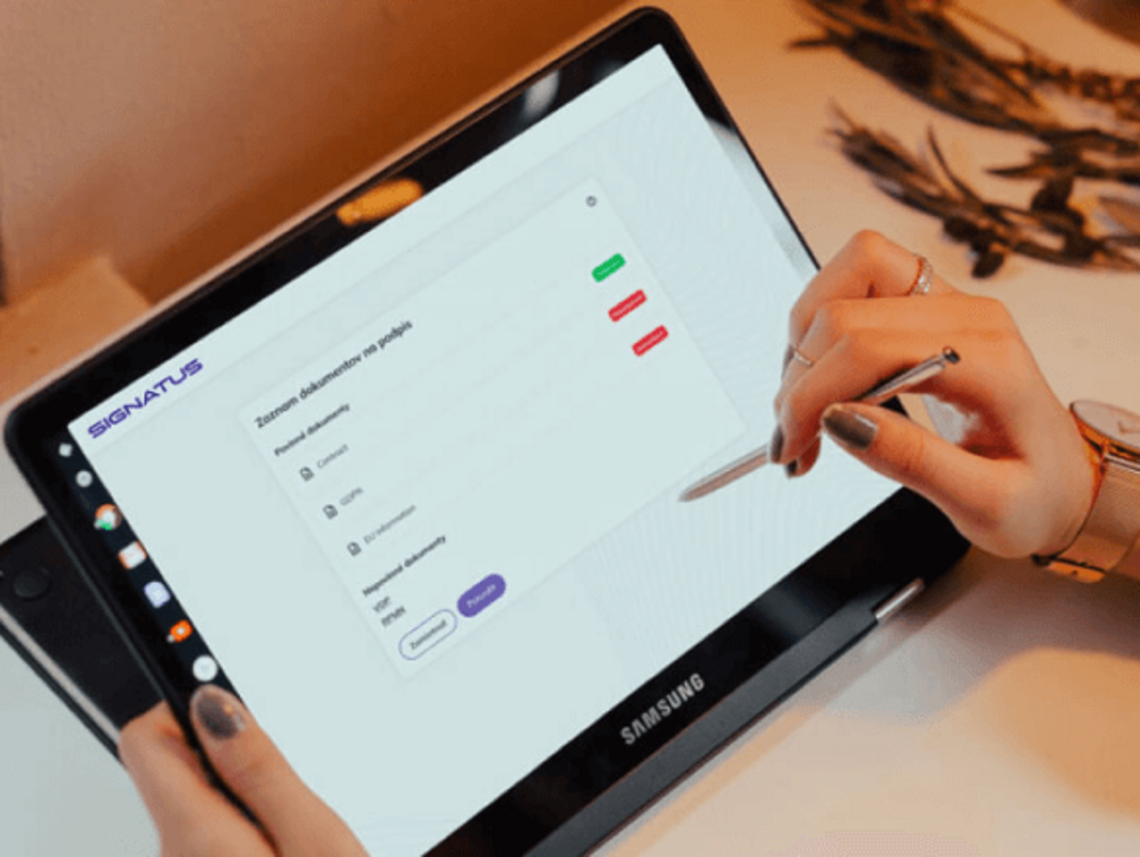
The digital reception has linked the hospital system with tablets at admission stations. Forms are generated using current data, and patients can review, complete, and sign them directly on the tablet using an S Pen. The signed document is automatically saved to an electronic archive, and a copy is sent to the patient via email. This eliminates the need for printing, physically transporting, and subsequently scanning forms.
Result
Unimed eliminated the printing, physical transport, and additional scanning of admission forms. Staff gained a faster and more reliable process with no lost documents, while patients experienced a more modern admission procedure.
At the same time, the solution remained connected to hospital information systems and established a foundation for the further expansion of digital patient processes.

Signatus
„We have been working with ANASOFT for over 5 years on integrating their SIGNATUS solution into our electronic document processing portal. Their solutions are highly robust and meet the highest security standards on the market. Integrating SIGNATUS is very straightforward and can be completed in just a few days. Should you need support from ANASOFT, they are always happy to help.“
Alexandre de Menezes Corigliano, Managing Director
Nexyon
Frequently Asked Questions About Web Forms
Yes. Existing Word, PDF, or paper forms can be used as a starting point for an electronically fillable version.
Yes. Conditional logic can show or hide questions, sections, and other steps based on previous answers.
Yes. If the data is available in an internal system or a known case, it can be transferred to the form for review or supplementation.
In accordance with the established process, it is possible to request the relevant documents, photographs, and other materials necessary for processing the case.
Yes. Data from the form can be transferred into a selected template to create an application, contract, consent, protocol, or other document.
Yes. Once completed, this may be followed by a signature on the device or a remote signing process, depending on the requirements of the document.
Yes. Based on the data and rules, a submitted form can be automatically assigned to a specific person, a team, or a multi-level approval process.
A web form itself generally requires a connection. However, SIGNATUS also supports mobile and certain offline processes, which can be used where a stable connection is not available.
Yes. Through available interfaces, SIGNATUS can be integrated with CRM, ERP, HR, DMS, HIS, and other enterprise systems.
No. You can start with one frequently used form and, once the process is validated, extend the solution to other workflows and departments.

Let’s prepare web forms for your processes
We will review the data you need to collect, validation rules, conditional questions, subsequent approval processes, and integration with your existing systems. We will design a form that aligns with your workflow and automatically triggers the next required step upon submission.
Contact us