

Document Security and Encryption
Cryptographic mechanisms protect the integrity of an electronic document and make it possible to detect any changes made after signing. Furthermore, managed permissions and an audit trail record who has worked with the document and the steps taken during its processing. In the case of a handwritten digital signature, biometric data are cryptographically protected. If the authenticity of a signature needs to be verified, an authorized expert can use an analyzer to examine both its static and dynamic characteristics.
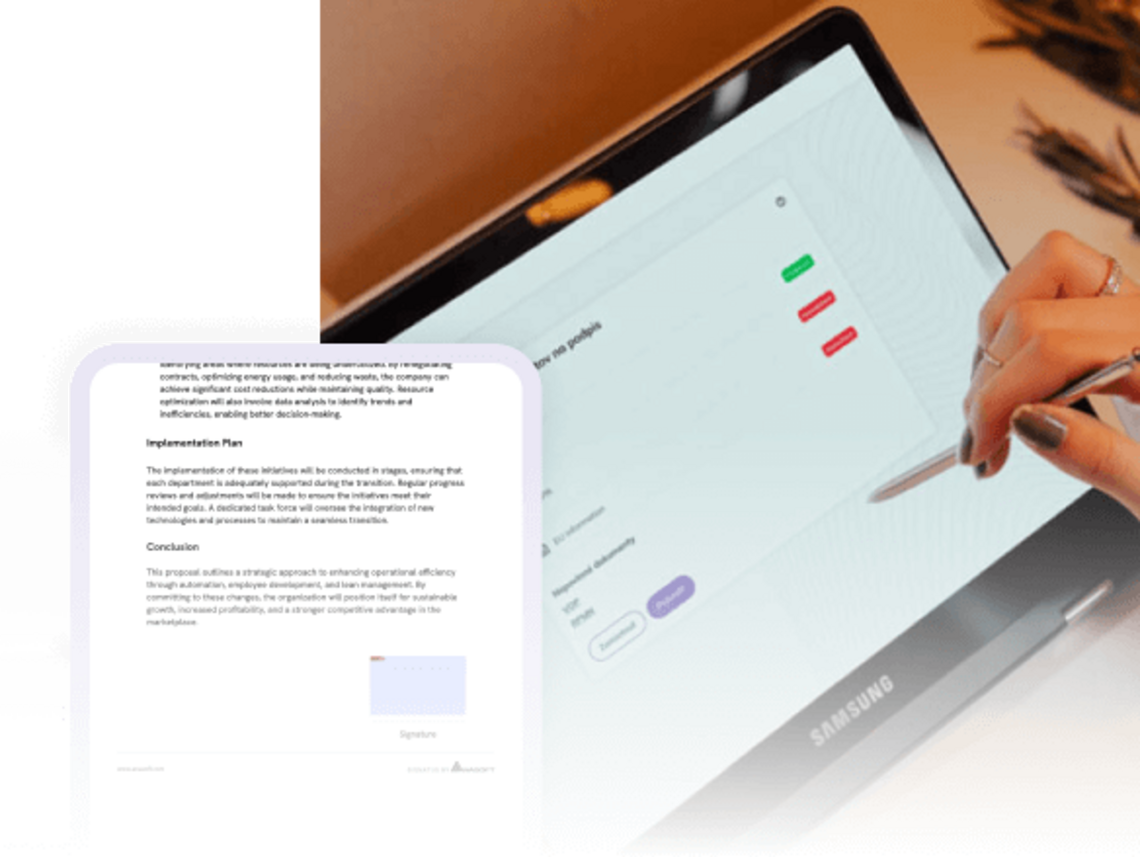

Along with the document, preserve the context of its creation and signing
In the case of a contract, consent, request, or delivery protocol, simply storing the final file is not sufficient. For audit purposes or potential evidentiary needs, it is essential to know which version of the document was used, the individuals responsible, the steps taken, and the time of signing.
A managed document process therefore links the template, data, approvals, signature, and final document into a traceable whole. This allows the company to demonstrate, in retrospect, how a document was created, the steps it went through, and whether it remained unchanged after being signed.
The trustworthiness of a document is built at every step of the process

Digitalizácia
„When selecting a partner, the ability to prove the authenticity of a signature—even in the event of a legal dispute—was a decisive factor. Among the solutions we evaluated, only Signatus offered tools and expert support for forensic handwriting analysts. This was one of the primary reasons we chose ANASOFT.“
Ivo Maráček, managing director
Empiria
SIGNATUS Analyzer for professional signature verification
The analyzer is designed for the precise visualization and comparison of digital signatures. It was developed in collaboration with forensic experts and utilizes data captured during the signing process. Consequently, an expert evaluates not only the final image of the signature but also the process of its creation.
Analyzer Functions
- Comprehensive visualization of individual strokes and characteristic features of a signature.
- Measurement of distances and angles in millimeters and degrees.
- Simulation of the signature process in video format.
- Overlaying of multiple signatures to compare similarities and differences.
- Analysis of time intervals between points within a signature.
- Display of the signature’s actual size and the time of its creation.
- Evaluation of position (X, Y, and Z axes), pressure, speed, acceleration, azimuth, elevation, and pen rotation, based on available data.
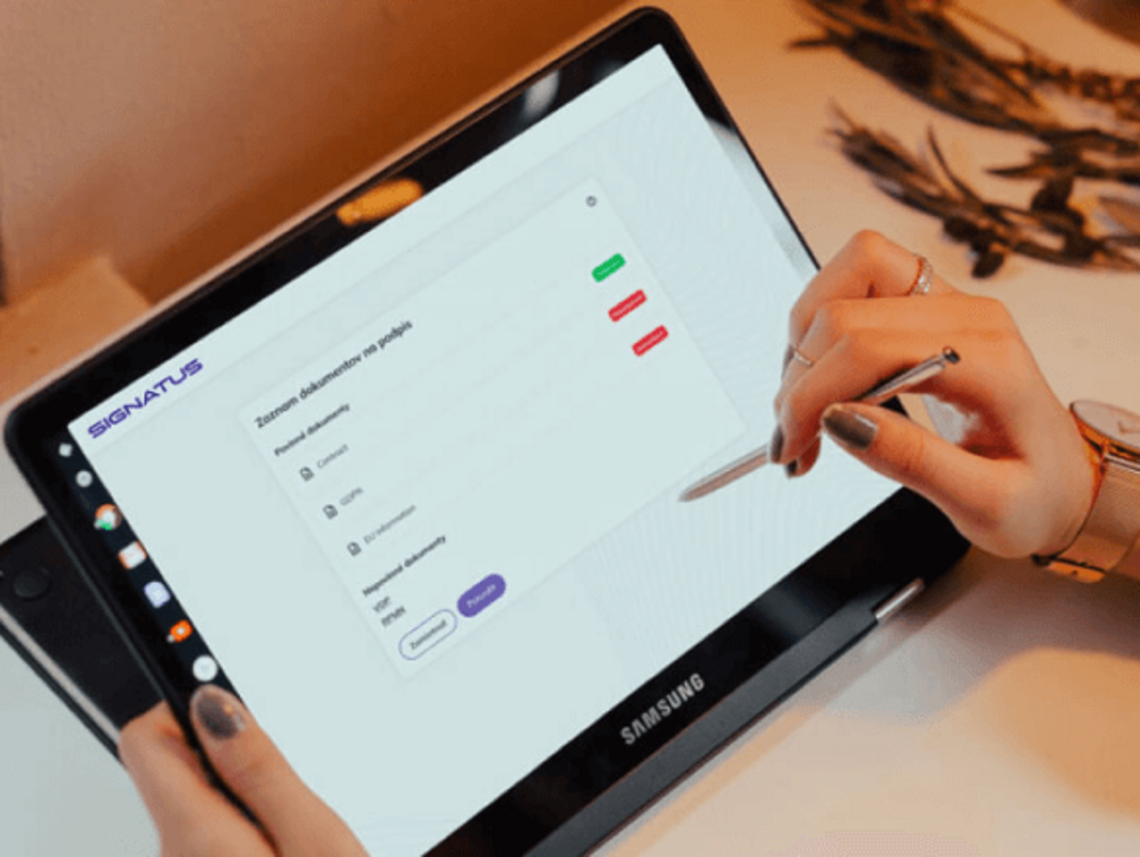
Protect the document both before signing and after it has been submitted
Document protection does not begin with a signature, nor does it end with the document being saved. Security rules apply throughout the entire process—from selecting the appropriate template, through review and signing, to the delivery of the final document and its subsequent verification.
Protect sensitive documents according to the risks specific to your industry
Document Security Across Corporate Processes
Applications, informed consent forms, employment contracts, and delivery confirmations involve different types of data and entail varying risks. Consequently, user access, signing and verification methods, integrity protection, document retention, and the transfer of documents to other systems are configured based on the document's sensitivity, the specific process flow, and the organization's requirements.
Review of applications
Protect personal and financial records, document the completeness check, and ensure the integrity of the resulting decision or contract.
Informed consents of patients
Retain a verifiable version of the information provided, the identity of the signatory, and the time of signing, and securely transfer the document into the healthcare system.
Claims
Link the complaint report with photographs, statements from the parties involved, the time, and—depending on the specific scenario—the location where the record was created.
Onboarding
Manage access to personal documents, verify mandatory attachments, and securely submit the signed package to the HR system.
Business contracts
Protect contracts, amendments, and pricing terms. Ensure multi-level approval and a traceable version sent to the customer for signature.
Delivery
Record the condition of the shipment at the time of handover, the recipient's signature, and photographic documentation of any exceptions. Data can be securely synchronized with the central system after working offline.


Strengthen document protection without replacing existing systems
The SIGNATUS solution does not need to replace the systems an organization uses to manage clients, employees, orders, enterprise content, or medical records. Instead, it can complement them by adding a managed process layer for the preparation, review, signing, integrity protection, and delivery of documents.
The integration method is designed based on available interfaces, the sensitivity of the data being processed, user permissions, and the organization's security architecture. The document, its metadata, and the process status are subsequently transferred to a system where they are further processed or archived.
Based on available interfaces, SIGNATUS can be connected to:
- CRM and sales systems,
- ERP and accounting systems,
- HR and payroll systems,
- HIS and outpatient information systems,
- WMS and TMS,
- DMS and electronic archives,
- ECM (Enterprise Content Management) platforms,
- CMS (Content Management System) platforms,
- proprietary enterprise applications and portals.
Frequently Asked Questions About Security and Encryption
Biometric data from a handwritten digital signature are protected by asymmetric encryption. The protection of documents during transmission and storage is configured based on the architecture of the specific deployment and the organization's security requirements.
The signed document is secured with a digital certificate and a checksum. If its content is subsequently altered, an integrity check will detect this change.
SIGNATUS works with PDF documents. For long-term archiving, a suitable archival format—such as PDF/A—is recommended.
No. The analyzer provides the visualizations, measurements, and biometric data necessary for a professional assessment. The conclusion regarding the authenticity of a signature is made by a qualified expert or a court-appointed expert.
Access is governed by the permissions and the method of cryptographic key management within the specific solution. Consequently, detailed information is not available to regular users of the document process.
Selected SIGNATUS scenarios support offline operation. The document and signature are processed securely on the device and synchronized once the connection is restored. The exact mode depends on the product and the implementation.
Yes. SIGNATUS has its own REST interface, and the solution can be integrated with CRM, ERP, HR, HIS, WMS, DMS, and other enterprise systems.

Design protection based on the risks of your process
Show us a document that you sign, approve, or archive. Together, we will examine its workflow, data types, user roles, and integration points, and propose a protection strategy that supports both daily operations and potential evidentiary needs.
Contact us