

Mobile application for fieldwork
The mobile application provides workers with access to assigned tasks, customer data, documents, forms, and work instructions directly on their mobile phone or tablet. On-site, they can record the outcome of their work, add photos, complete documentation, and obtain a customer signature—with functionality available even in offline mode.
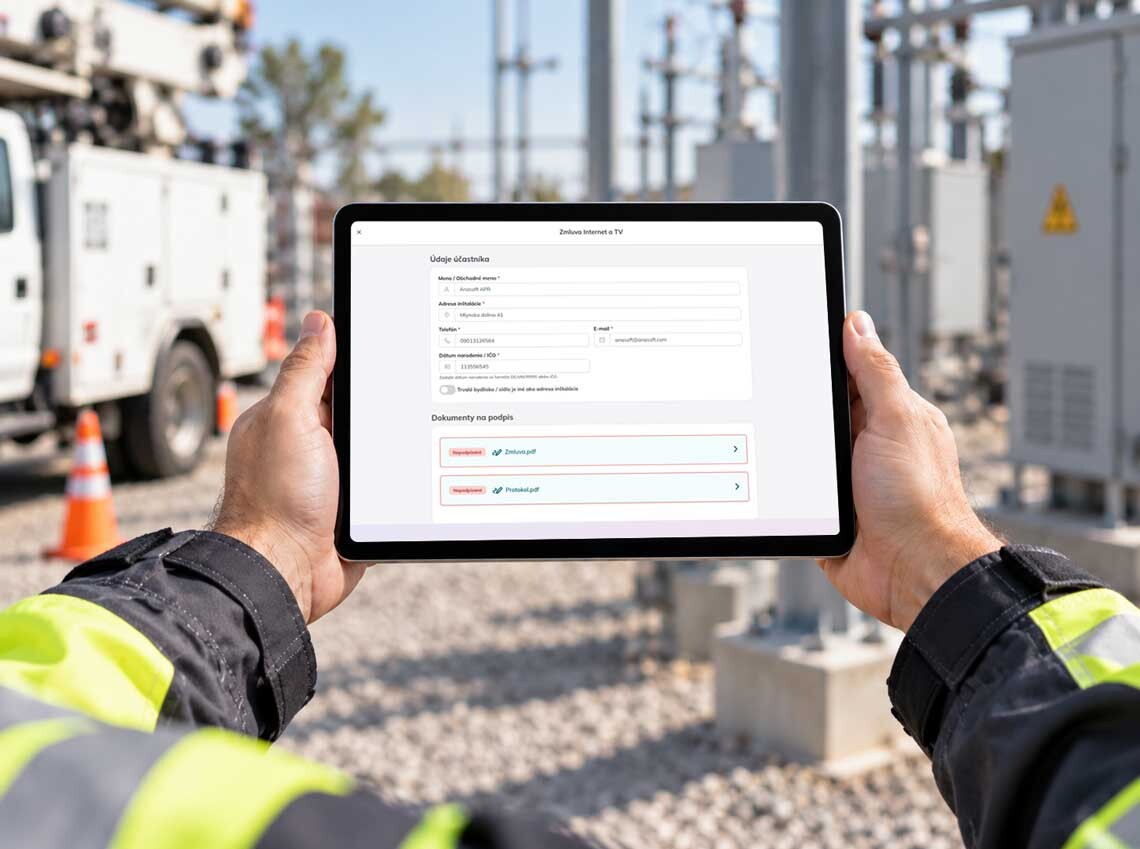
The field no longer has to be a blind spot in your processes
When working outside the office, results often remain in notes, on phones, or on paper forms until the employee returns. The mobile application links every piece of recorded information to a specific job, vehicle, shipment, property, piece of equipment, or service point.
Once the work is completed, the head office has access to structured data, photographs, documents, and signatures—all ready for review, invoicing, or further processing. This allows them to monitor the status of a job without having to wait for a phone call or the physical delivery of documentation.
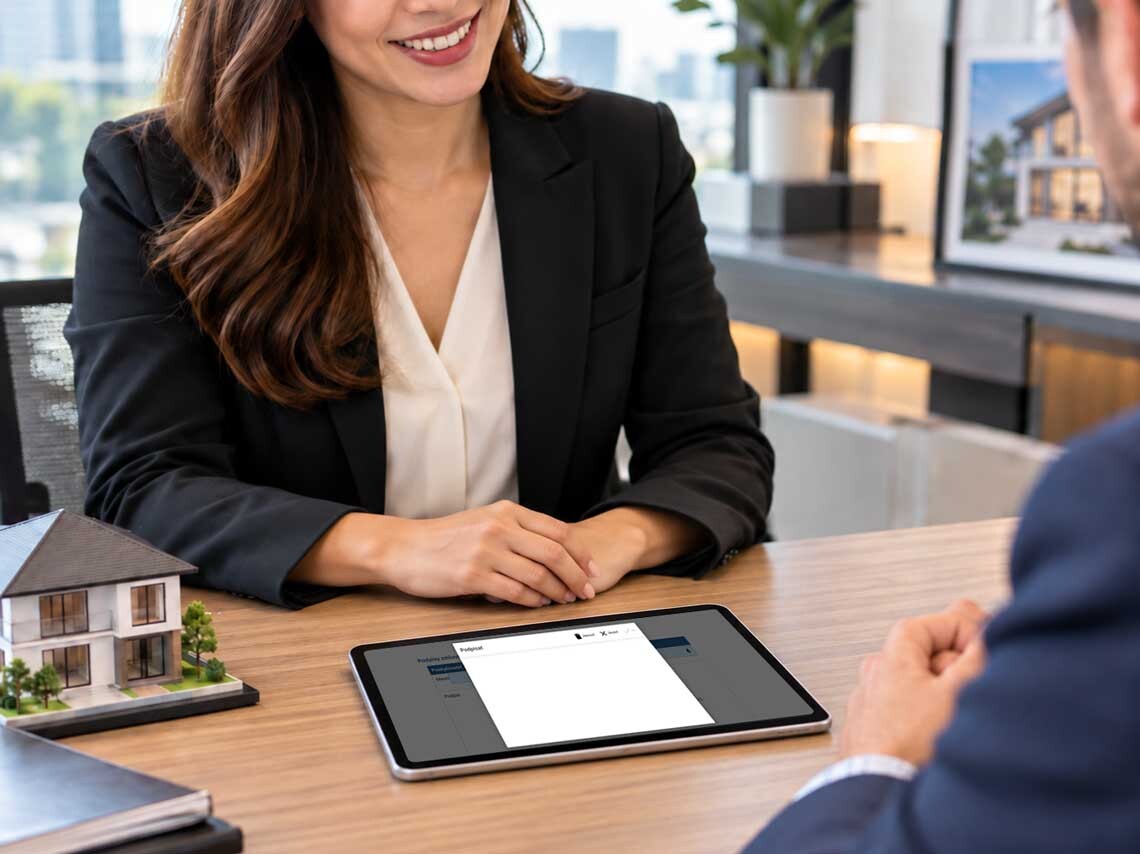
The visual is suitable for real estate or a business meeting; however, for a general page about fieldwork, a service technician, courier, or someone working on equipment or a vehicle would be a better fit.
Complete data, not paperwork, is returned from the field visit
The same process in every team, branch, and region
Centrally configured forms and workflows ensure that every employee follows the same rules. Any change to a template, a mandatory field, or a control step is reflected throughout the entire organization, eliminating the need to distribute new paper forms. As a result, management benefits from more consistent data, simplified employee onboarding, and better control over work quality across the entire network.
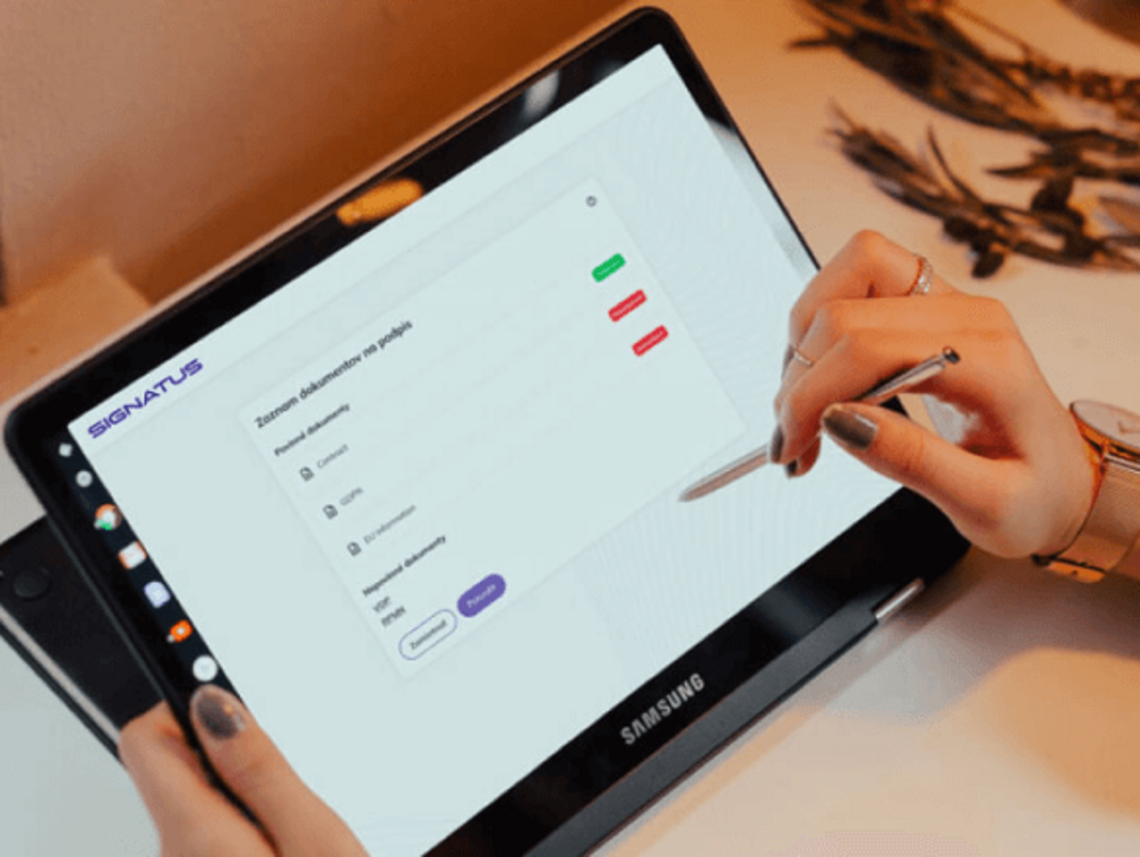
From assigned task to result in the corporate system
Everything needed to complete the task directly in the field
One application for various field processes
Business processes available directly in the field
Business contracts
Prepare a quote or order right during a meeting with the customer, gather the necessary details, and finalize the process with a signature—all without needing to return to the office.
Claims
Document the issue on-site, add photos, data, and notes, and submit the complete case for further processing—all without paper forms.
Delivery
Record the actual quantity delivered, any returns or damages, obtain the recipient's signature, and send the delivery result directly to the head office.
Onboarding
Make onboarding documents, employment contracts, internal policies, or handover protocols accessible to new employees on their mobile devices, and obtain the necessary confirmations either before their start date or directly at the workplace.
Review of applications
Verify data and attachments on the spot, add photos or missing documentation, and submit the complete application for approval—without the need for any additional transcription.
Informed Consents
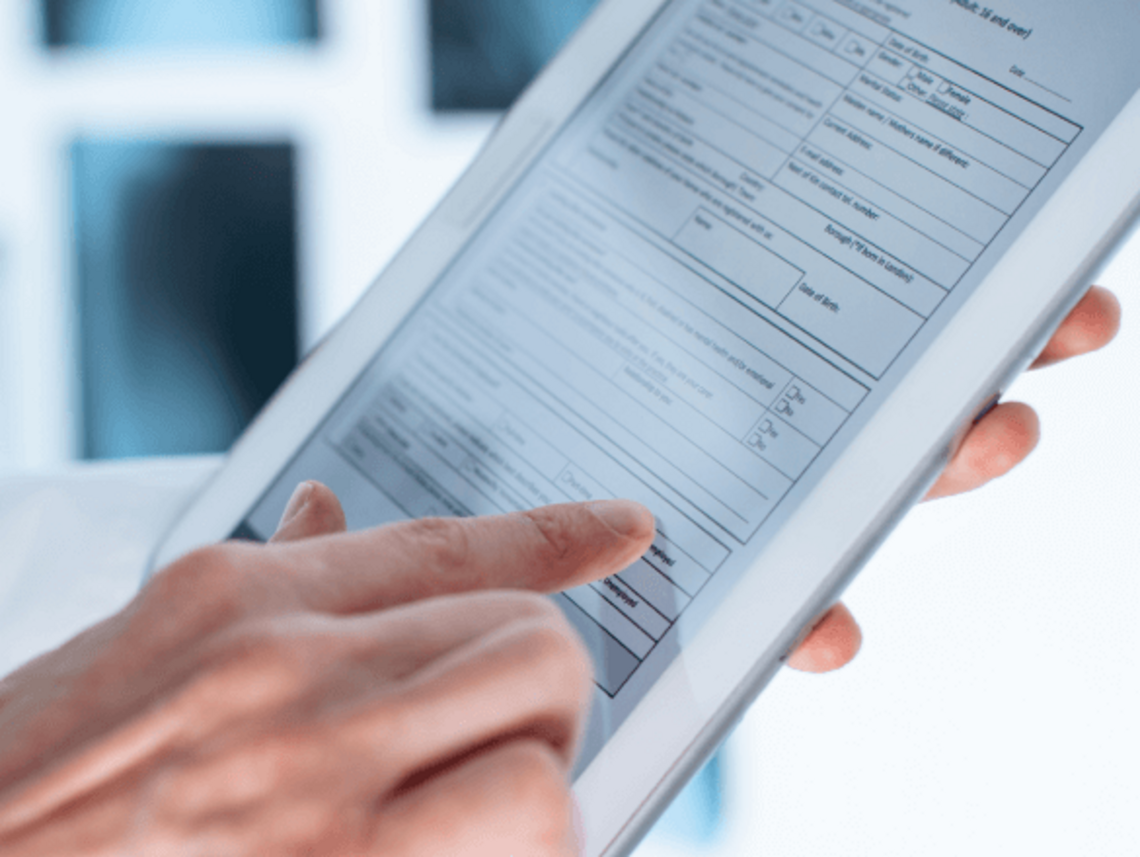
Display the document to the patient on a tablet, complete the clinical section, record the provision of instructions, and obtain a signature—right at the point of care, even in offline mode. Mobile signing, note-taking, and drawing on a tablet are all part of the SIGNATUS healthcare workflows.
Products using a mobile application
Expand the digitalization of field work as needed
Deploying a mobile application does not have to begin with a large-scale project. You can start with a process that currently generates the most paperwork, errors, or waiting time—such as service visits, vehicle handovers, property handovers, or the signing of orders.
Once the first workflow has been validated, the application can be expanded to include additional task types, documents, teams, branches, or regions. Integration with existing CRM, ERP, WMS, ECM, or DMS systems allows employees to receive assignments and submit results without the need to replace the enterprise systems already in use.
Case Study | AXEPTO and Slovak Parcel Service
400 tablets brought the completion of customer orders directly to the courier.
Challenge
Customers of the mobile operator O2 placed orders for services by phone or via the online store; however, a contract had to be concluded to activate them. Consequently, the process required a secure link between the online order, logistics, customer verification, and the signing of documentation upon delivery.
Solution
Axepto has equipped Slovak Parcel Service couriers with 400 tablets. Documents requiring a signature are sent directly to the courier's device, and an application guides them through the necessary steps—from verifying and recording an identity document to the customer signing the contract.
Once signed, the document is encrypted and sent to the O2 system as well as to the customer. The order thus progresses from its initial placement—whether online or by phone—through the logistics process, and finally to completion directly with the customer.
Result
The digital process has eliminated paper-based document handling and accelerated the activation of ordered services. Customers can complete all necessary steps in a single visit and receive signed documents electronically. Consequently, the ordered service or device can be delivered and activated within just one day.

Signatus
„It’s great that you don’t have to fill out a mountain of paperwork; a single signature on a tablet is all it takes to get everything sorted. A courier can meet you wherever you are, the signed documents are sent straight to your email, and the whole process takes just a few minutes—something many a busy mother will surely appreciate.“
Wanda, customer
O2 Slovakia
Frequently Asked Questions About the Mobile App for Field Work
Yes. Selected processes can be configured for offline work. Data and documents are synchronized once the connection is restored.
Yes. The solution can be adapted to existing forms, templates, data fields, roles, and workflows.
No. SIGNATUS can augment existing systems by adding a mobile component to the process, and can pass on captured data, photographs, statuses, and completed documents to them.
Yes. Depending on the chosen scenario, the document can be signed on a supported mobile device, tablet, or signature device. Remote signing is also available.
Yes. A workflow can require a specific photo to be taken before proceeding, and automatically associate it with a job, asset, or document.
The solution can be designed for smartphones, tablets, and selected rugged devices, depending on operating conditions and the required process.
Yes. You can start with a single document or type of engagement and gradually expand the solution based on the results achieved.

Move your entire field process into a single application
Show us how work is carried out outside the office today. We will design a digital workflow that provides employees with the right data, guides them through mandatory steps, and delivers the complete result directly into your systems.
Contact us