

Document Flow and Automation
An automated workflow links the creation or receipt of a document with its completion, review, approval, signing, archiving, and the transfer of data into enterprise systems. Established rules determine the person responsible, the next step, and the procedure for handling exceptions.
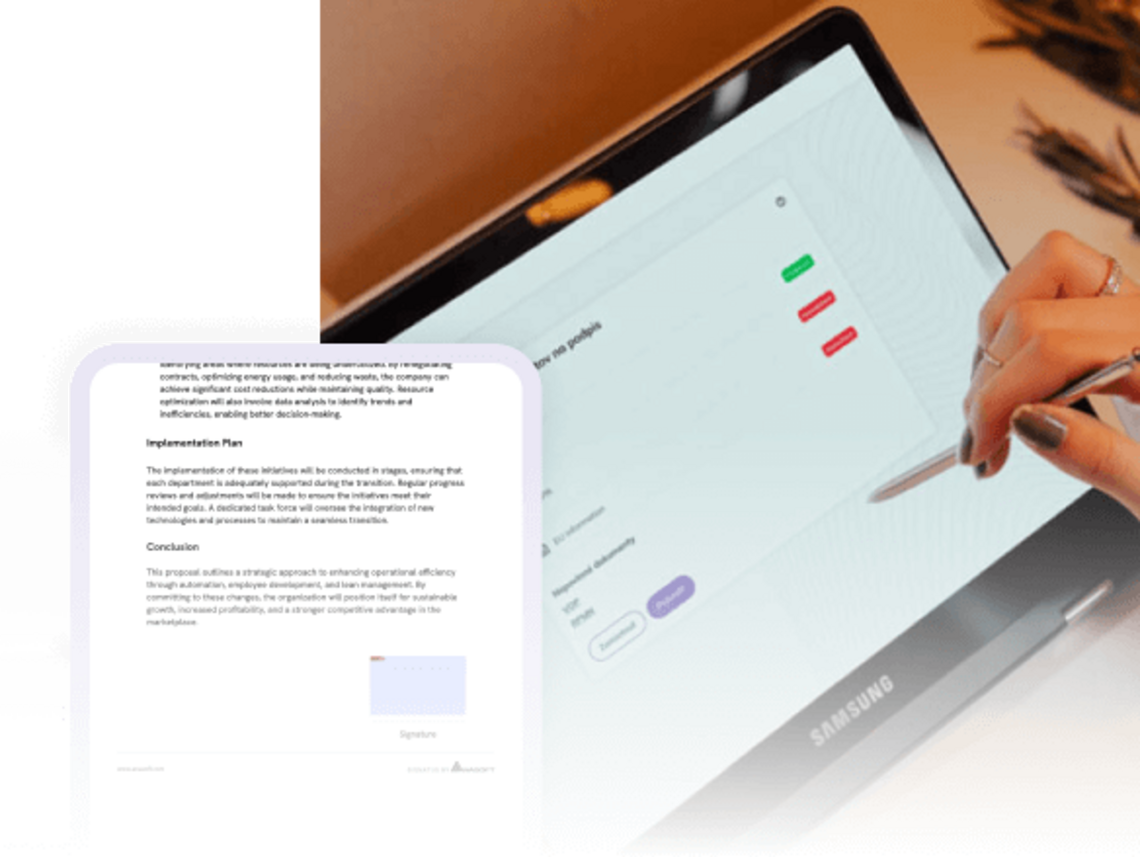

A document is not just a file. It is part of an entire process
An order, request, contract, consent, or delivery note consists of more than just the final document. Accompanying these items through the process are data, attachments, decisions, comments, signatures, and information regarding the current status.
When these connections are split across emails, paper documents, and local folders, it leads to disparate versions, unclear responsibilities, and delays during handovers.
A managed digital workflow keeps both the document and its context within a single process. Rules determine who receives the next task, what data must be reviewed, and where the document proceeds upon completion or in the event of an exception.
Every document remains under control throughout the entire process
The rules will determine the next step based on the document and its data
The document workflow may vary from one instance to another. Based on factors such as document type, customer, product, value, or entered data, the established rules can determine the person responsible, the required checks, the level of approval, and whether a signature is needed. Standard documents proceed automatically. Missing information, a rejected approval, or any other deviation redirects the process to an employee who can resolve the issue.
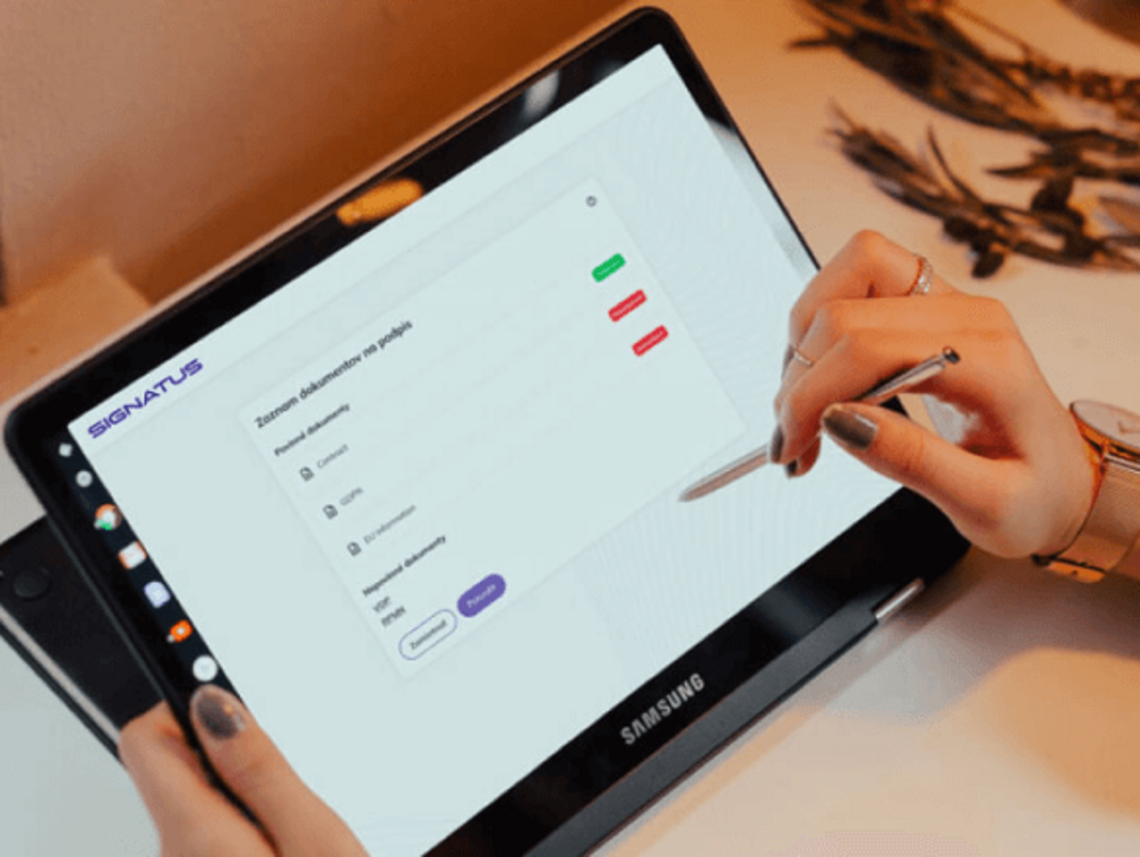
The document goes through the entire process without manual handovers
Set up your workflow based on how your company actually works
From loan application to delivery note – a workflow for your industry
Automate processes driven by documents
Review of applications
Received materials are linked to a specific application. The workflow verifies the completeness of the documents, assigns the case to a staff member, and facilitates further assessment.
An incomplete application can be automatically returned for completion, without the need for a staff member to manually forward it between departments.
Informed consents of patients
The patient receives the appropriate version of the consent form based on the type of procedure or examination. The document can then be explained, filled out, signed, and securely stored within the patient system.
Claims
The claim form, photographs, delivery document, the statement from the responsible staff member, and the final resolution are all kept within a single case file.
Upon receipt of a claim, SIGNATUS can automatically assign tasks, track deadlines, and notify the customer of the outcome.
Onboarding
Personal data, the employment contract, consents, internal policies, and other documents go through a coordinated process involving the candidate, HR, the supervisor, and the payroll department.
Business contracts
The quote can proceed to internal approval, subsequently be converted into a contract, and be sent to the customer for signature. Once finalized, the data is returned to the CRM or ERP system.
Delivery
The order is transmitted from the ERP system to the dispatcher and the driver. At the time of delivery, the actual status can be adjusted, payments recorded, photos added, and the customer’s signature captured.
The documents and data are then sent back to the head office, without the need to wait for the driver to return.
Extend automated document workflows across the company
Start with the document that is most frequently waiting today
The first step does not have to be the digitalization of all processes.
Select a document that:
- passes through the hands of several people,
- often awaits approval or a signature,
- is repeatedly sent back for additional information,
- requires manual status updates,
- causes delays in invoicing,
- is manually transcribed into an internal system upon completion.
Together, we will map its journey from creation to archiving. We will define responsibilities, rules, exceptions, and the systems with which the workflow should be integrated.

Faster document flow accelerates the entire business

Shorter processing time
The document does not wait for manual forwarding between people and departments. Once a step is completed, it automatically moves forward.

Fewer incomplete cases
Mandatory fields, attachments, and signatures can be checked before the document is submitted to the next stage.

Lower administrative burden
Employees do not have to manually transcribe statuses into spreadsheets, send reminders, or find out where a document is located.

Faster Invoicing
Signed delivery, service, or handover documents can reach the finance department immediately after the work is completed.

Case Study | LUNYS
800 orders and 4,000 crates every night. Without any paperwork
Challenge
At the 7,000 m² distribution center in Bratislava, workers prepare an average of 800 orders and 4,000 crates every night, handling nearly 50 tons of fruit and vegetables in the process.
Delivery notes, changes to orders, and even cash payments were originally recorded on paper.
Upon the drivers' return, the accounting department had to check the documents and manually enter the data into the system. Consequently, the flow of information came to a halt until the physical documents reached the head office.
Solution
SIGNATUS replaced paper documentation with an application on drivers' tablets and integrated it with two key systems – an ERP and a fiscal module.
The driver receives the order documents directly in the app. Upon delivery, they can adjust the actual status, record a change in quantity or a cash payment, and have the customer sign the document.
The signed document and current data are then sent directly to the finance department.
Result
Information regarding delivered goods, changes, and payments is available in the central system immediately.
The accounting department no longer needs to:
- waiting for the driver to return,
- collecting paper delivery notes,
- checking manually submitted documents,
- transcribing data into the accounting system.
LUNYS can thus issue an electronic invoice and send it to the customer on the very day of delivery.
The result is a faster invoicing cycle, a reduced administrative burden, and better visibility into every order—from dispatch to payment.
Frequently Asked Questions About Document Flow and Workflow Automation
Document flow describes the journey of a document from its creation or receipt through to signing, sending, and archiving.
Workflow automation defines the rules for this journey: who processes the document, what checks it must undergo, who approves it, and what happens in the event of an exception.
For example, applications, contracts, orders, delivery notes, informed consents, complaint reports, service reports, personnel documentation, or internal approval forms.
The specific process is configured according to the organization's needs.
No. The workflow can be adjusted based on the document type, order value, workplace, product, customer, or data identified.
Standard cases can proceed automatically, while exceptions are assigned to the responsible staff member.
Yes. The approval process can take place sequentially or in parallel. The sequence and authorizations are configured according to the organization's internal rules.
The workflow can return a document for correction, request additional data, assign it to another staff member, or terminate the process. The reason for rejection remains recorded.
Yes. Notifications and reminders can be used when a task is assigned, while waiting for a signature, as a deadline approaches, or in the event of participant inactivity.
Yes. Documents can be processed on mobile devices—and, depending on the specific solution, even without a stable internet connection.
Yes. Through available integration interfaces, SIGNATUS can be connected to ERP, CRM, WMS, HR, HIS, and DMS systems, as well as accounting and other enterprise systems.
Authorized users can see the current status of a case, the person responsible, and the history of actions taken. They do not need to inquire about the status via email or phone.
Yes. You can start, for example, with electronic approvals, signatures, field documentation, or the transfer of results into an internal system. The workflow can be expanded gradually.

Let’s design a workflow for your paper-based processes.
We will review where a document originates, who reviews, approves, or signs it, and where it should be stored once completed. We will propose rules, responsibilities, and integrations to ensure its smooth processing.
Schedule a consultation