

Management of data, documents, and digital content
Centralized data and content management links documents, forms, templates, and customer data with the processes in which they are used. Established rules determine which version is valid, who has access to it, and how data is transferred between documents and enterprise systems.
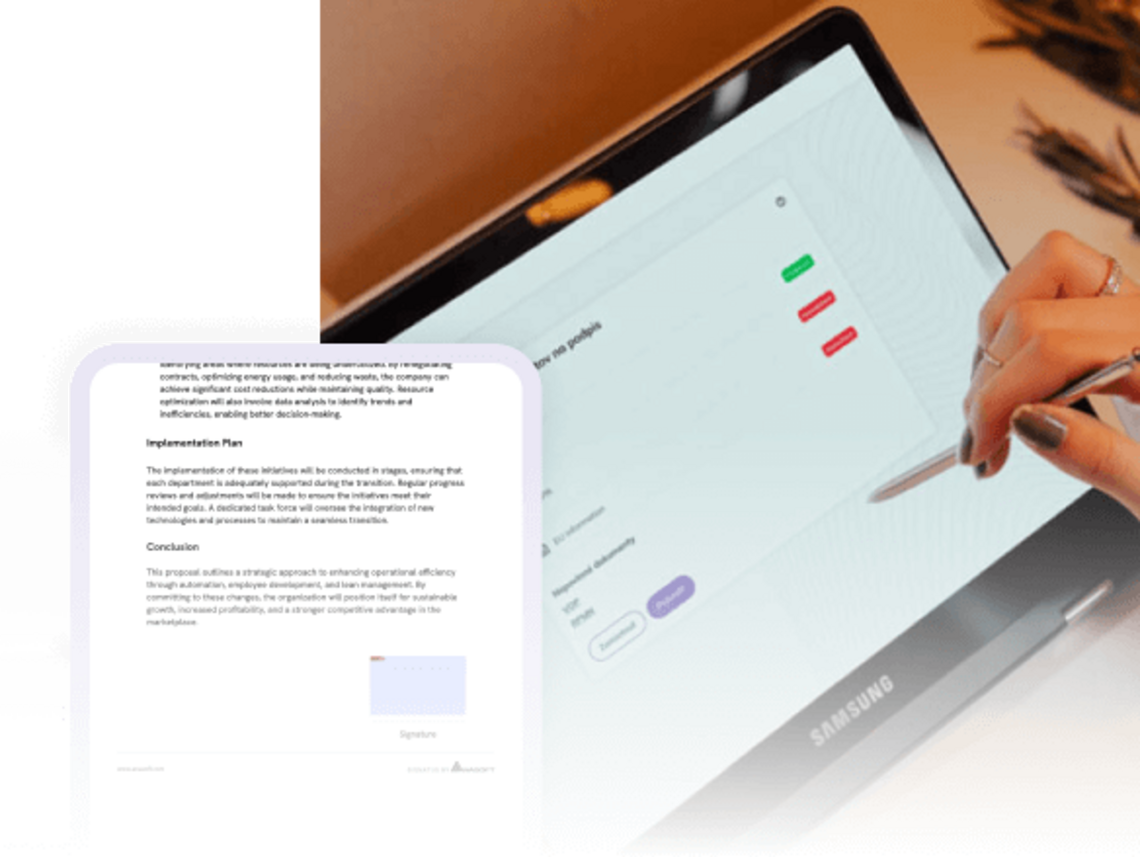

Gain an overview of documents, data, and digital content
Contract templates, forms, product materials, price lists, consents, photographs, and attachments are often created in various departments and remain stored across different systems, folders, or devices.
An employee must then find out:
- which version of the document is current,
- which form should be used,
- where to find client data,
- which attachments belong to a specific case,
- who is authorized to edit or approve the document,
- where the final document should be saved,
- which materials may be shown to the customer.
The result is searching, copying, inconsistent communication, and the risk that an employee might use incorrect or outdated content.
Have the right data, documents, and content at every step of the process.
Up-to-date templates for every workplace and process
If branches, medical practices, service centers, or real estate agencies modify documents independently, parallel versions of the same content gradually emerge.
The following may remain in circulation:
- outdated contractual terms,
- old price lists,
- forms with missing fields,
- documents with the wrong logo,
- locally modified texts,
- invalid product materials,
- different versions of the same consent.
Centralized template management allows documents to be edited and approved in a single location. The current version is then made available to designated staff, departments, or processes. As a result, users receive the correct content for a specific situation—without the need to search for, compare, or verify different versions.
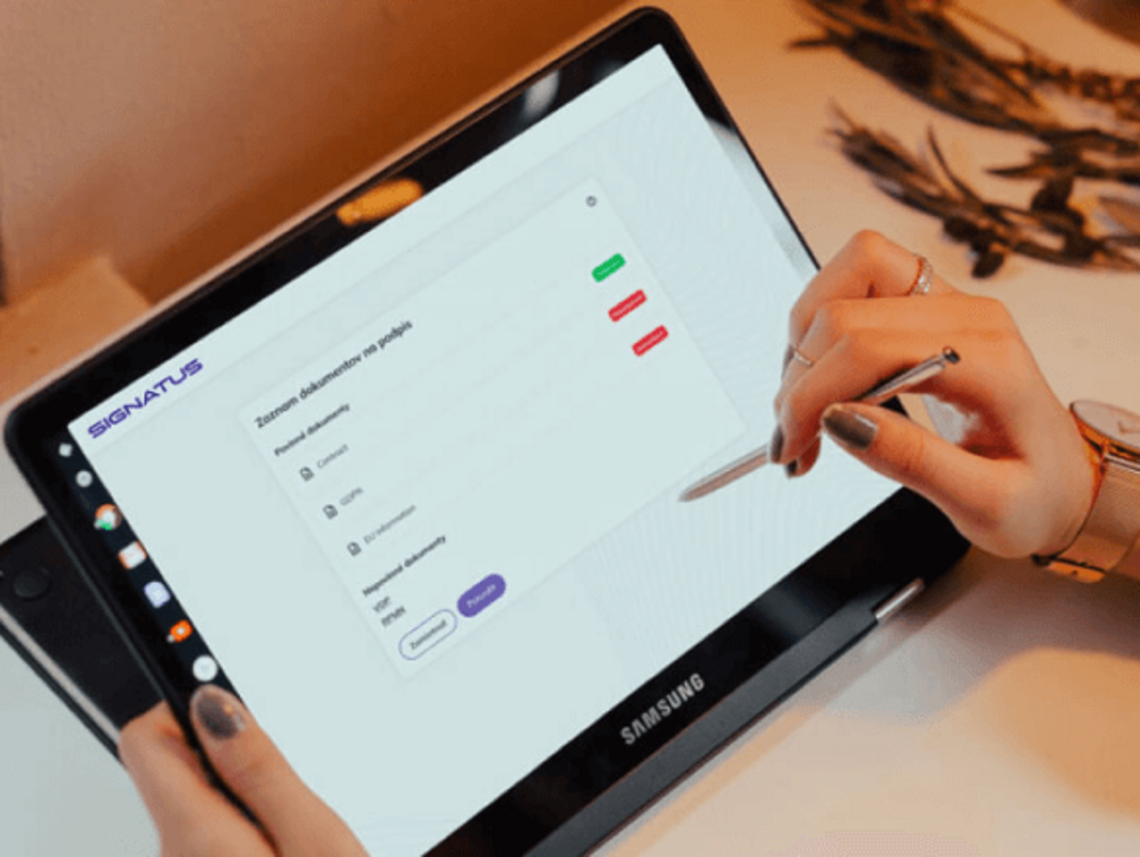
Documents, data, and history remain connected at every step
Manage documents, data, and content as part of a process
Manage documents and data according to the needs of your industry and processes
Connect data and document management with key processes
Review of applications
Received documents, attachments, and extracted data remain linked to the specific application. When making a decision, the staff member has the entire case at their disposal, rather than information scattered across emails and folders.
Informed consents of patients
A healthcare facility can centrally manage consent templates based on the clinic, procedure, or examination. The patient receives the correct document, and the final version is saved to their electronic record.
Claims
Customer, order, product, and payment details, as well as photographs and communication, remain part of a single complaint case.
Onboarding
A candidate's personal data can be used in the employment contract, consents, internal forms, and other onboarding documentation without the need for re-entry.
Business contracts
The salesperson has access to up-to-date product materials, price lists, contract templates, and client data. This content can be used directly during presentations, the preparation of offers, and the signing of contracts.
Delivery
The order, items, delivery document, photographs, changes, payments, and customer signature remain linked in a single digital record.
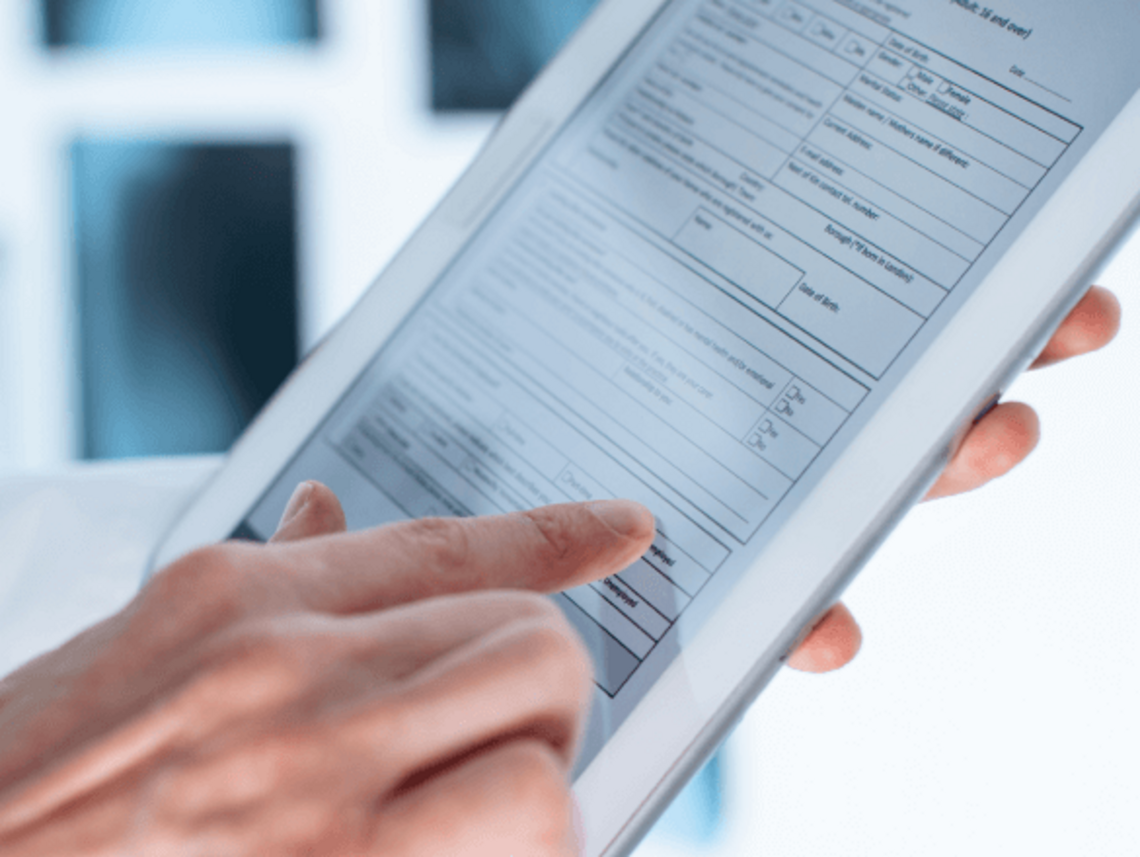
Extend data and content management to other business processes
Up-to-date data and content accelerate change across the company

Faster implementation of changes
Once a form, template, or material has been modified, the approved version can be made available to branches, field staff, and digital channels without the need for time-consuming distribution.

More consistent communication with customers
Staff use the same terms, price lists, forms, and product materials, regardless of the channel through which they communicate with the customer.

Easier onboarding of new teams
Ready-made templates, content, and access permissions facilitate the onboarding of a new workplace, partner network, or user group.

Less time required for inspection
Final documents, source data, attachments, and records of steps taken remain linked and traceable for further processing or review.

Digitize content workflows without replacing existing systems
Data, document, and content management can function as a process layer on top of existing systems. Data is retrieved from CRM, ERP, HR, HIS, or other sources, used in the preparation and processing of documents, and the result is then passed back to the designated system or archive.
Implementation does not necessarily have to involve the entire organization at once. You can start with a specific document, process, or workplace, and gradually expand the scope based on priorities.
This approach enables:
- retain existing enterprise systems and data sources,
- implement digitalization process by process,
- add necessary integrations gradually,
- expand the solution to additional teams, workplaces, and channels,
- tailor the scope of deployment to the organization's actual needs.

Case Study | UNIMED AMERICANA
Digital admission for 100,000 patients without moving any paperwork
Challenge
Unimed Americana provides healthcare to more than 100,000 patients through two hospitals and a network of over 300 doctors.
Admission forms were originally printed, filled out at the reception desk, and—once signed—physically transported to the central office. There, staff had to scan them and manually file them into the electronic documentation system.
Consequently, each form went through several administrative steps before becoming an accessible part of the patient's file.
Solution
Following the implementation of SIGNATUS, forms are generated directly from the hospital system and displayed on tablets at the reception.
The patient checks their details, provides the required information, and signs the document electronically. The completed form is automatically saved to the electronic file, and a copy is sent to the patient.
The data, the document, and the signature thus remain part of a single digital process.
Result
Unimed Americana removed:
- physical movement of intake documents,
- additional scanning,
- manual naming and filing of forms,
- waiting for documentation to be delivered to the central office.
Staff gained a faster and more streamlined process. The healthcare facility reduced costs associated with printing and archiving, while patients can complete the admission process more conveniently in a single location.

Signatus
„We have been working with Anasoft for over five years on integrating their SIGNATUS solution into our electronic document processing portal. Their solutions are highly robust and meet the highest security standards on the market. Integrating SIGNATUS is very straightforward and can be completed within a few days. Should you need support from Anasoft, they are always happy to help.“
Alexandre de Menezes Corigliano, Managing Director
Nexyon
Frequently Asked Questions Regarding Data, Content, and Document Management
DMS typically focuses on the long-term recording, retrieval, and archiving of large volumes of documents.
SIGNATUS focuses on the active use of documents, data, forms, and templates within specific processes—covering their creation, completion, approval, signing, and transfer to other systems.
Both solutions can be integrated via available interfaces.
For example, document templates, forms, PDF documents, attachments, photographs, customer data, product materials, videos, banners, presentations, or content used in a digital branch.
The specific scope depends on the chosen product and process.
Yes. An existing document can serve as the basis for an electronically fillable template. Data fields, selection fields, mandatory fields, and signature fields can be added to it.
Yes. Through integration, available data can be retrieved from a CRM, ERP, HR, HIS, or other system and used to pre-fill the document.
Templates can be managed centrally and assigned based on process type, product, workplace, or role. This eliminates the need for users to search for the current file in a local folder.
Yes. Content and functions can be made accessible based on user role, permissions, and the specific process.
SIGNATUS records the status of a document and the process steps performed. The specific scope of the history and retention is configured based on the solution and integration architecture.
The document can remain available in SIGNATUS or be transferred—via integration—to a DMS, electronic archive, CRM, ERP, HIS, or another enterprise system.
No. SIGNATUS can only be deployed for specific documents and processes. Existing systems can remain the primary source or the target repository for data.
Yes. It is recommended to start with content that has a high usage volume, undergoes frequent changes, or requires a significant amount of manual rewriting, and then gradually expand the scope.

Get data and content from folders directly into processes
Show us the documents, forms, and materials your teams work with today. We will propose how to manage them centrally, link them to available data, and make them accessible to people exactly when they need them.
Contact us