

More efficient document processing with AI support
SIGNATUS already integrates electronic documents, data extraction, automated workflows, and electronic signatures. Building on this foundation, AI can be strategically applied to pre-fill forms, convert voice notes into text, analyze process workflows, or evaluate customer feedback.
Rules, authorizations, and responsibilities remain governed by workflows. AI can process routine inputs, flag deviations, and prepare supporting materials, while sensitive and non-standard decisions remain under the control of staff.
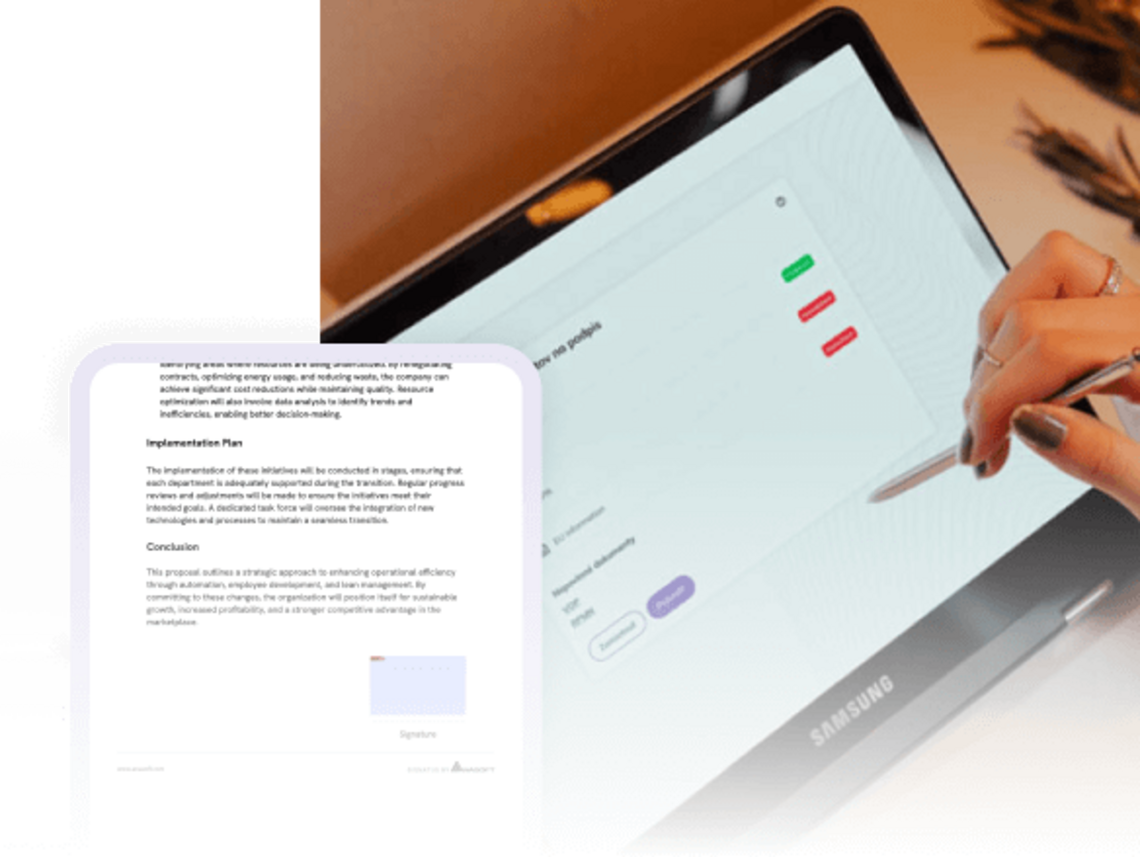

Useful AI begins with high-quality data from real-world processes
Artificial intelligence can meaningfully support document processing only when it has access to reliable data and its context. A digitized process creates this foundation during routine operations: it captures and structures data, linking it to documents, the steps taken, and the individuals responsible.
The foundation for the use of AI consists of:
- digital documents and forms,
- extracted and structured data,
- dynamic fields in PDFs,
- electronic signatures and approvals,
- timestamps and process history,
- delivery, personnel, and location data,
- text notes, ratings, and feedback,
- integrations with CRM, ERP, WMS, HR, DMS, ECM, and other systems.
Building on this foundation, AI can suggest pre-filling documents, convert voice notes into text, detect delays, categorize feedback, or flag situations that require a staff member's attention.
AI helps reduce routine tasks and free up time for important decisions
How AI Streamlines Document Work
SIGNATUS already supports working with interactive PDF forms and AcroFields. Text fields, selection options, checkboxes, or signature zones can be prepared according to the specific document and process.
Integration with available customer and process data enables the creation of documents tailored precisely to the current situation. A form can include only the relevant fields, products, items, or contractual terms.
What the integration of AI can bring
When preparing a document, AI can work with data from previous cases, CRM, orders, or service history and suggest pre-filling them.
The employee thus does not receive a blank form. They receive a document ready for review, completion, and signature.
Real-world example
A service technician opens the service report. SIGNATUS already recognizes the customer, the device, the type of intervention, and the materials used. AI suggests pre-filling the relevant fields; the technician simply verifies the data, adds the outcome of the work, and obtains the customer's signature.
Writing a lengthy note on a mobile device is slow and impractical—especially when a worker is inspecting a shipment, photographing damage, handling equipment, or wearing protective gear.
Integrating SIGNATUS with voice-to-text technology allows users to dictate notes directly into the text fields of a digital document.
The voice input is converted into text, which the worker can then review and save as part of a service record, delivery note, claim report, or inspection form.
Real-world example
During a delivery, a courier discovers damaged packaging. They photograph the situation and dictate a note. The text is then attached to the delivery document, along with a timestamp, location data, and the customer’s signature.
The claims department can begin processing the case immediately, without needing to call the driver or wait for them to return.
The digital process in SIGNATUS creates an accurate history of individual steps. An organization can track the creation of a document, its assignment, opening, modification, approval, signing, and transfer to another system.
This data makes it possible to measure the actual execution of a process, rather than just its planned state.
What the integration of AI can offer
Analytical models can identify recurring patterns within process data and help answer questions such as:
- At which step do cases most frequently end up waiting?
- Which types of documents are repeatedly returned for additional information?
- When is there a risk of delivery delays?
- Which paths, workstations, or processes generate the most exceptions?
- What completion time can be expected for a specific type of case?
- Where can capacity or workflow rules be adjusted?
Management thus gains the data needed to improve the process on an ongoing basis, rather than having to wait until after the manual evaluation of monthly reports.
The most accurate feedback is captured immediately following a customer experience—such as when receiving an order, completing a service, visiting a branch, or signing a contract.
SIGNATUS can integrate feedback collection directly into the document workflow. Customers can select a rating, add a text comment, or provide feedback via voice.
What AI integration can offer
AI can categorize collected responses by topic, analyze their sentiment, and flag experiences that require a prompt response.
For example, the system can distinguish between:
- satisfaction with a staff member,
- issue with the delivery date,
- damage to or incompleteness of an order,
- objection regarding a product or service,
- issue with communication,
request for a callback.
In this way, a negative experience does not have to get lost in a note or a regular report. It can automatically create a task, alert the responsible staff member, or trigger a complaint-handling workflow.
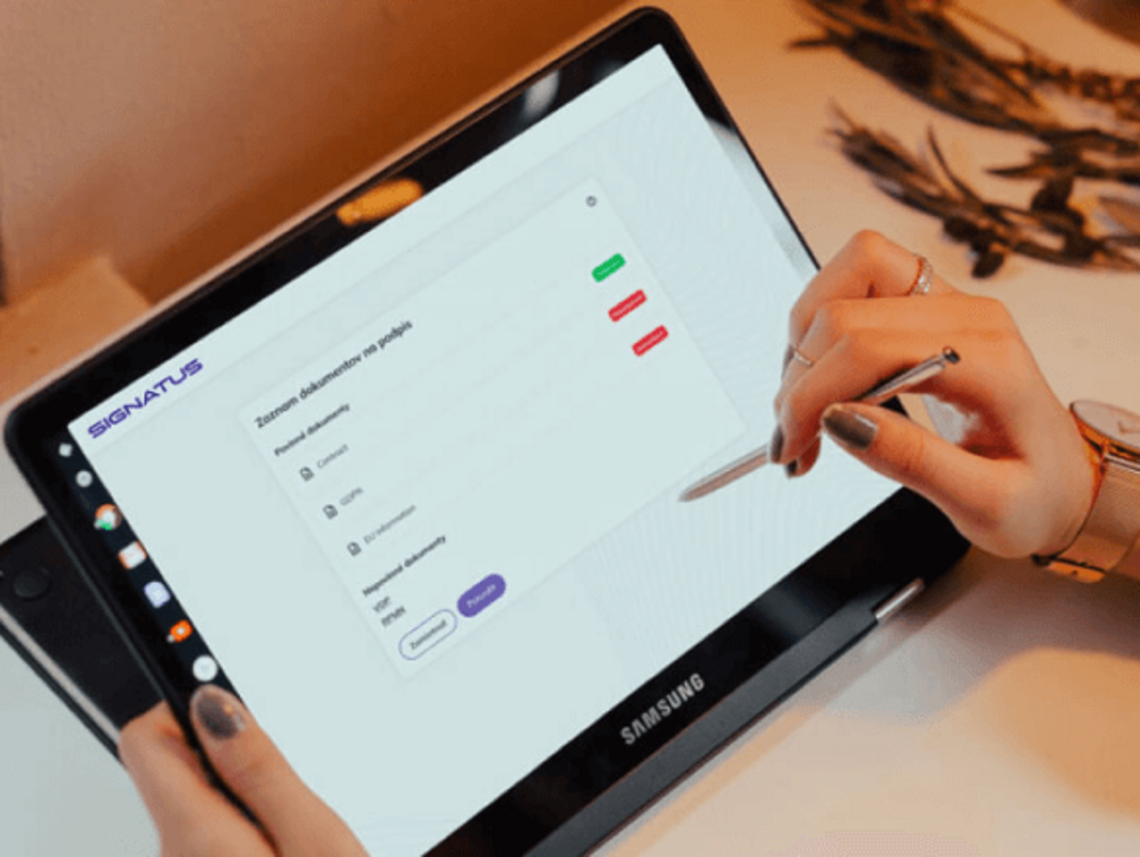
How AI Supports Document Processing, Step by Step
AI expands existing SIGNATUS functionality
Specific applications of AI for your industry's needs

AI accelerates processing; decisions remain under human control
AI is not intended to replace professional judgment in situations requiring experience, authority, or individual assessment.
Its role is to:
- prepare available information,
- eliminate redundant data entry,
- recommend the next steps,
- flag non-standard cases,
- highlight risks,
- assist in processing large volumes of operational data.
The employee remains part of the decision-making process. They have access to the original document, extracted data, recommendations, and the process history, and can review or adjust the outcome.
Start with one process and add AI where it delivers the greatest value
AI requires high-quality, accessible data. If information remains on paper, in unstructured attachments, or in siloed systems, its utility is limited. SIGNATUS helps establish this foundation during routine document processing:
- captures data at the point of origin,
- integrates the document into a digital workflow,
- records individual steps and timestamps,
- links the document to a specific case,
- facilitates its approval and signing,
- delivers the result to enterprise systems.
A company does not have to start with a large AI project. It can first digitize a specific process and subsequently add intelligent features where they will yield the greatest savings or lead to better decision-making.


Focus AI on tasks with a clear and measurable benefit
The most suitable initial scenario features a clear input, repetitive manual tasks, and a measurable outcome. Examples include:
- a contract that employees repeatedly pre-fill,
- a service report containing lengthy text-based notes,
- a delivery process frequently subject to delays,
- feedback that is currently not being continuously evaluated by anyone,
- requests that repeatedly require waiting for additional supporting documentation.
Together, we will map the current process, available data, and areas where AI can deliver tangible operational value.
Frequently Asked Questions About AI in Document Management and Processing
SIGNATUS already provides a technological foundation comprising digital forms, PDF AcroFields, workflows, data extraction, electronic signatures, audit trails, mobile processing, and integrations.
Specific AI enhancements—such as intelligent pre-filling, voice input, predictive analytics, or sentiment analysis—are designed based on the requirements of the specific process and available integration options.
No. It is recommended to start with one specific scenario involving a high volume of manual work or a clearly measurable problem.
The extent of pre-filling depends on the availability of data of sufficient quality. Values can be retrieved from a CRM, ERP, a previous document, or another approved source. Before signing, the employee or customer can review them.
The specific solution depends on the device, operating system, required language, and whether the mode is online or offline. Therefore, the appropriate integration method is determined based on the operational scenario.
Not necessarily. AI can prepare data, recommend the next steps, or flag risks. Sensitive or non-standard decisions can be left to a human worker.
For example, the time of document creation, assignment, opening, supplementation, signing, and submission; the duration of individual steps; the number of returns; types of exceptions; or delivery details. The specific scope depends on the process configuration.
Access methods, integration interfaces, data storage, and the use of AI are designed based on the type of information being processed, the organization’s security policies, and applicable legal requirements.
Yes. Depending on the available interfaces, SIGNATUS can be integrated with CRM, ERP, WMS, DMS, HR, healthcare, and other enterprise systems.

Show us a process in which people waste time on routine work.
We will map out the documents, available data, and the current process flow. Subsequently, we will demonstrate how SIGNATUS, combined with AI, can eliminate manual tasks, accelerate processing, or provide higher-quality input for decision-making.
Contact us